
 |
? | Homepage
|

Welcome to my website dedicated to home studio recording!
For years, I’ve been composing, recording, and mixing my own music. This site was born from the desire to share that experience with you.
Creating computer-assisted music doesn’t necessarily require a big budget. Sure, a minimum amount of gear is essential, but when it comes to software, there’s something for every need and every price point (including free options), whether you're looking for recording software (DAWs), effects, or virtual instruments.
On this site, you’ll find a complete tutorial on mixing a track from start to finish, advice on choosing the right equipment, an overview of the main DAWs, and a section dedicated to amp simulators (both free and paid) for guitar players.
I also invite you to try a tool I've created and named "Music Starter".
Music Starter is a constraint-based composition tool. By randomly drawing a scale, chord progressions, a time signature, a tempo and an instrumentation, it gives you a concrete starting point to kick off a composition. Designed for musicians and producers facing a creative block, Music Starter doesn't compose for you, it sets a framework within which your creativity can flow freely.
Customize the Harmony and Instrumentation sections to suit your habits, explore Greek modes, browse neighbouring chords to enrich your progressions, then save your session as TXT or PDF.
One roll of the dice to get started. The rest is up to you.

Convert your Cakewalk Sonar projects (.cwp) and templates (.cwt) into Reaper projects (.rpp).
From Sonar 5 up to today's Cakewalk Sonar, for Windows.
You may even be able to convert projects made with earlier versions, but this has not been tested.
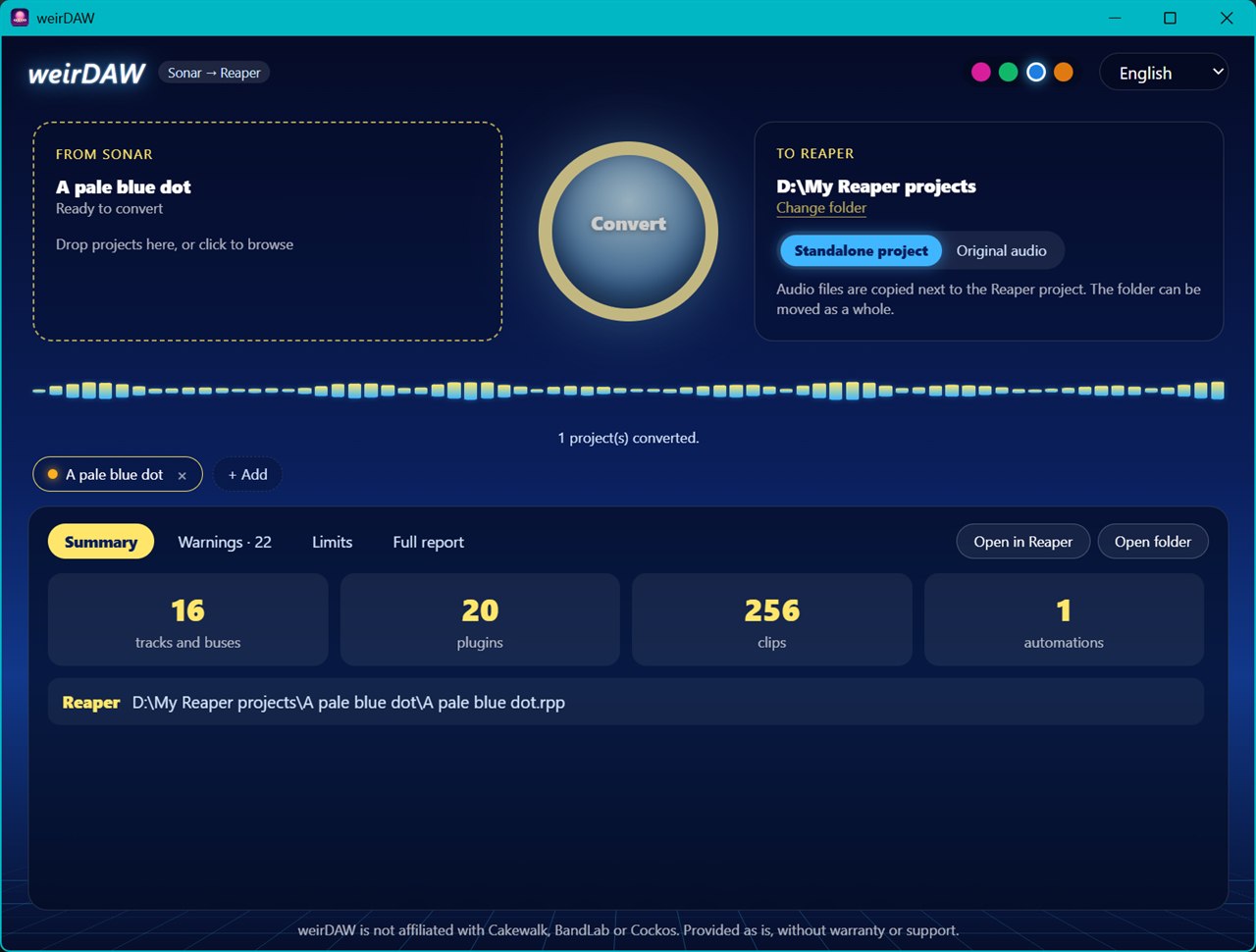
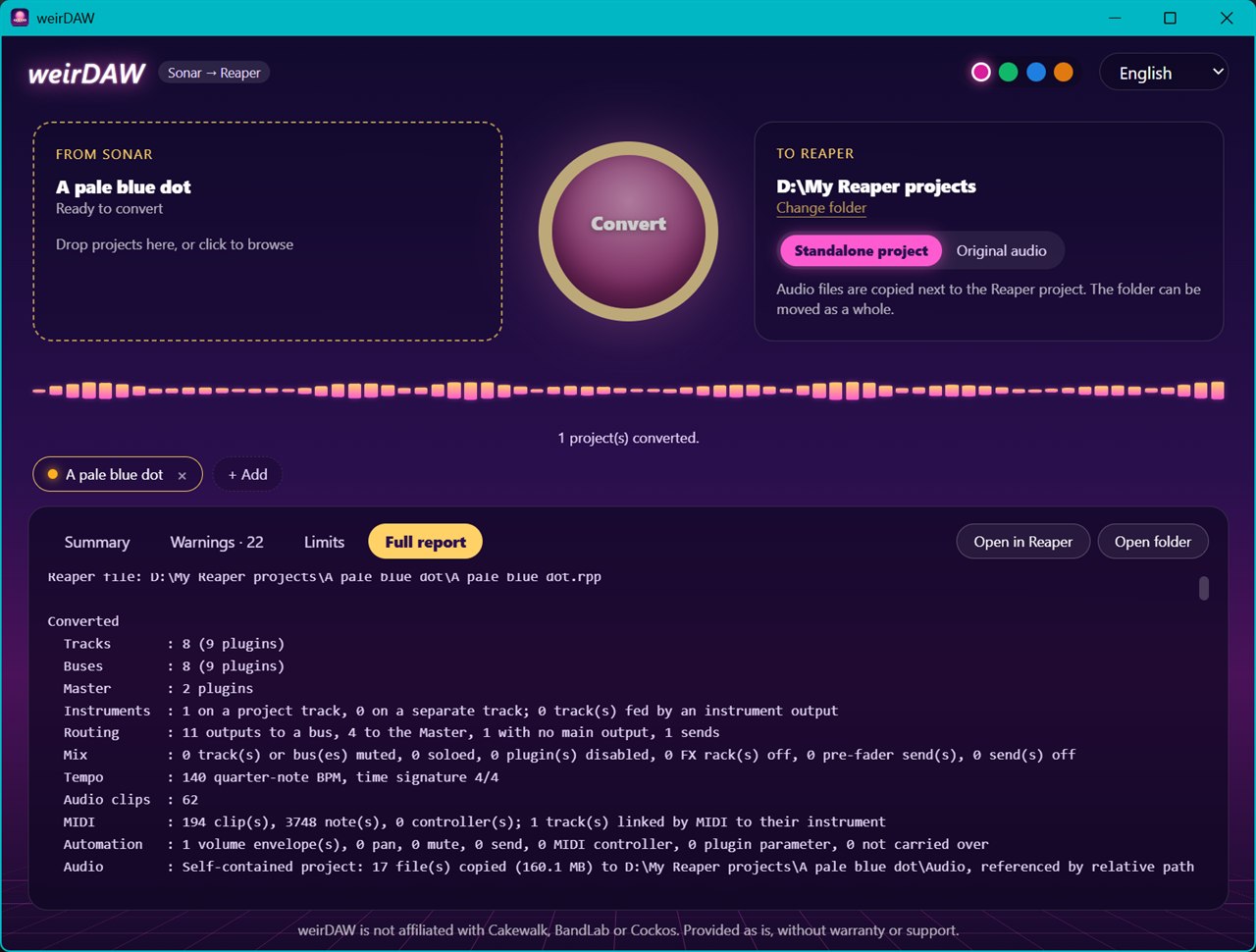
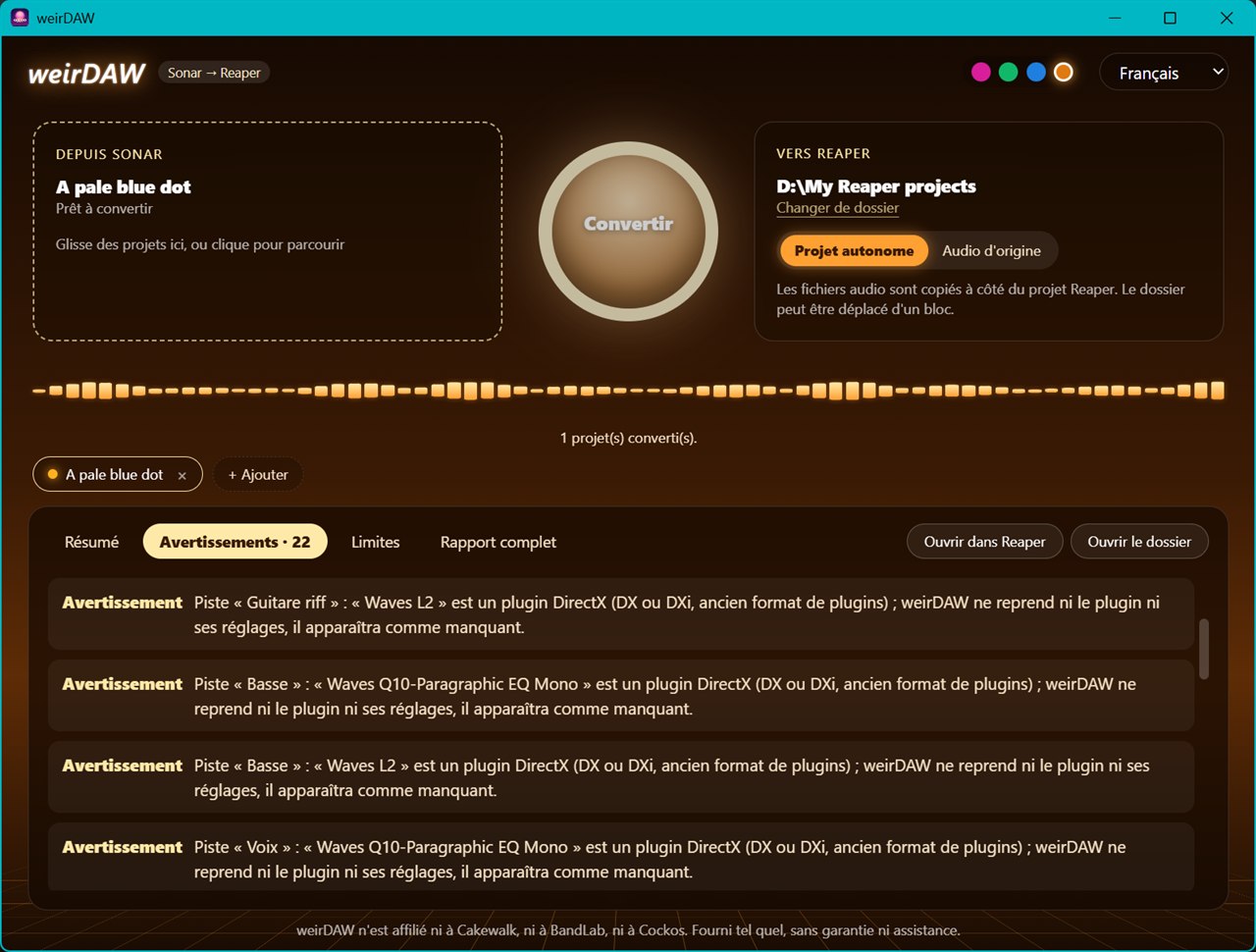
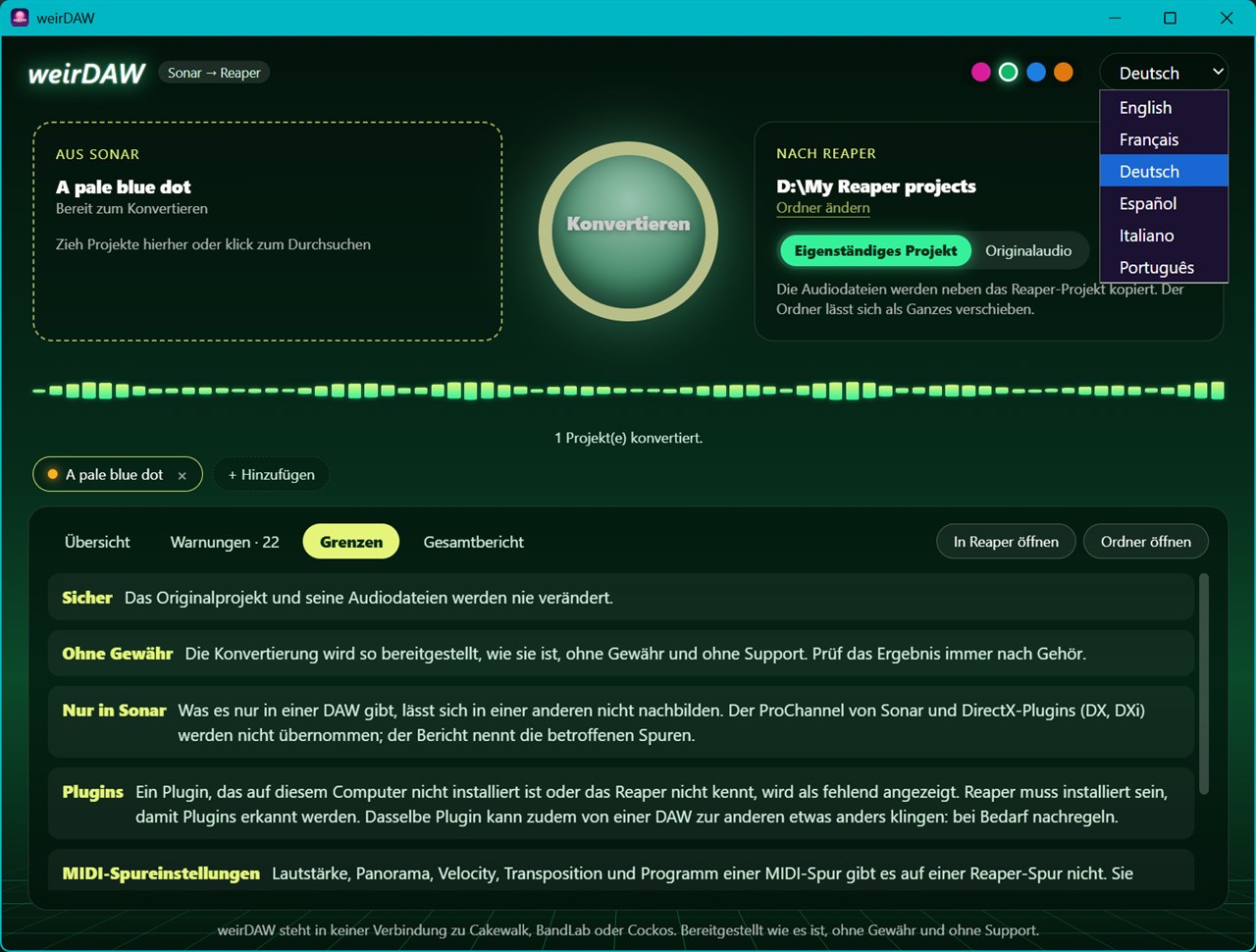
Tracks, buses and Master, routing and sends, volume, pan, mute and solo, audio and MIDI clips with their fades, VST2 and VST3 plugins with their settings, instruments, tempo and time signature, playback loop, automation. The original Sonar project and its audio files are never modified.
Not carried over: Sonar's ProChannel and DirectX plugins (DX, DXi), which do not exist outside Sonar. After each conversion, a report details what was carried over, what was not, and what to check. Always check the result by ear.
Nothing to install: unzip the file and run weirDAW-1.0.0-portable.exe.
Guide and licence included in English, French, German, Spanish, Italian and Portuguese.
weirDAW-1.0.0.zip
F43D29DAEBD7F9EBC9776791CE1FD0811D23808214B6517AC04A9A9CAAA73367
weirDAW-1.0.0-portable.exe
68F1EACDF6A54337774C131F1F8DE0075EA5E6F0BEADE8DFCB5F4E3C8E6F99ED
Free, provided as is, without warranty or support. weirDAW is not affiliated with Cakewalk, BandLab or Cockos.
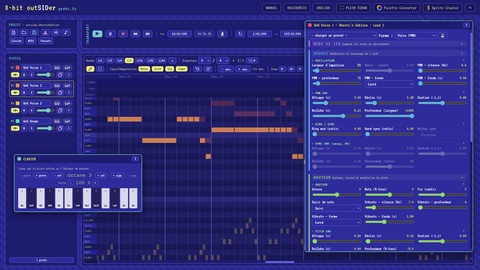
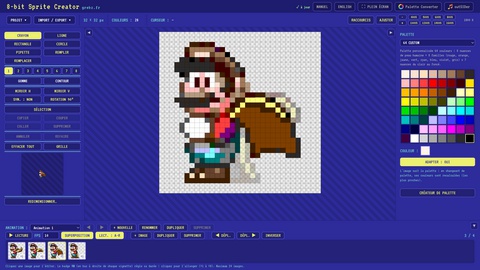
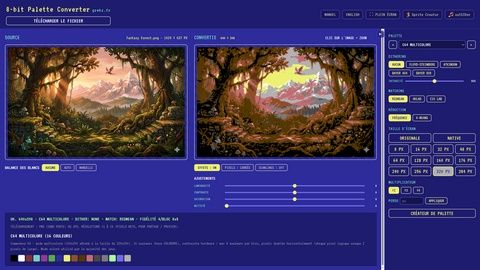
Three retro tools, Commodore 64 style, 100% in your browser: compose, draw, convert.


I wrote my first pieces of music on a Commodore Amiga computer back in 1988.

Today, I compose in a Pop-Rock style, with forays into other genres, including orchestral and electronic music. My main goal is to enjoy the process, and if others enjoy listening too, then I’ve succeeded.
I also compose music for theatre plays.
